AI Video Generator vs Hiring an Editor: Complete Cost Breakdown 2026
Real cost comparison between AI video generators and freelance editors in 2026. Verified rates from Upwork and Fiverr, AI tool pricing, break-even math, and when each option actually wins.
AI Video Generator vs Hiring an Editor: Complete Cost Breakdown 2026

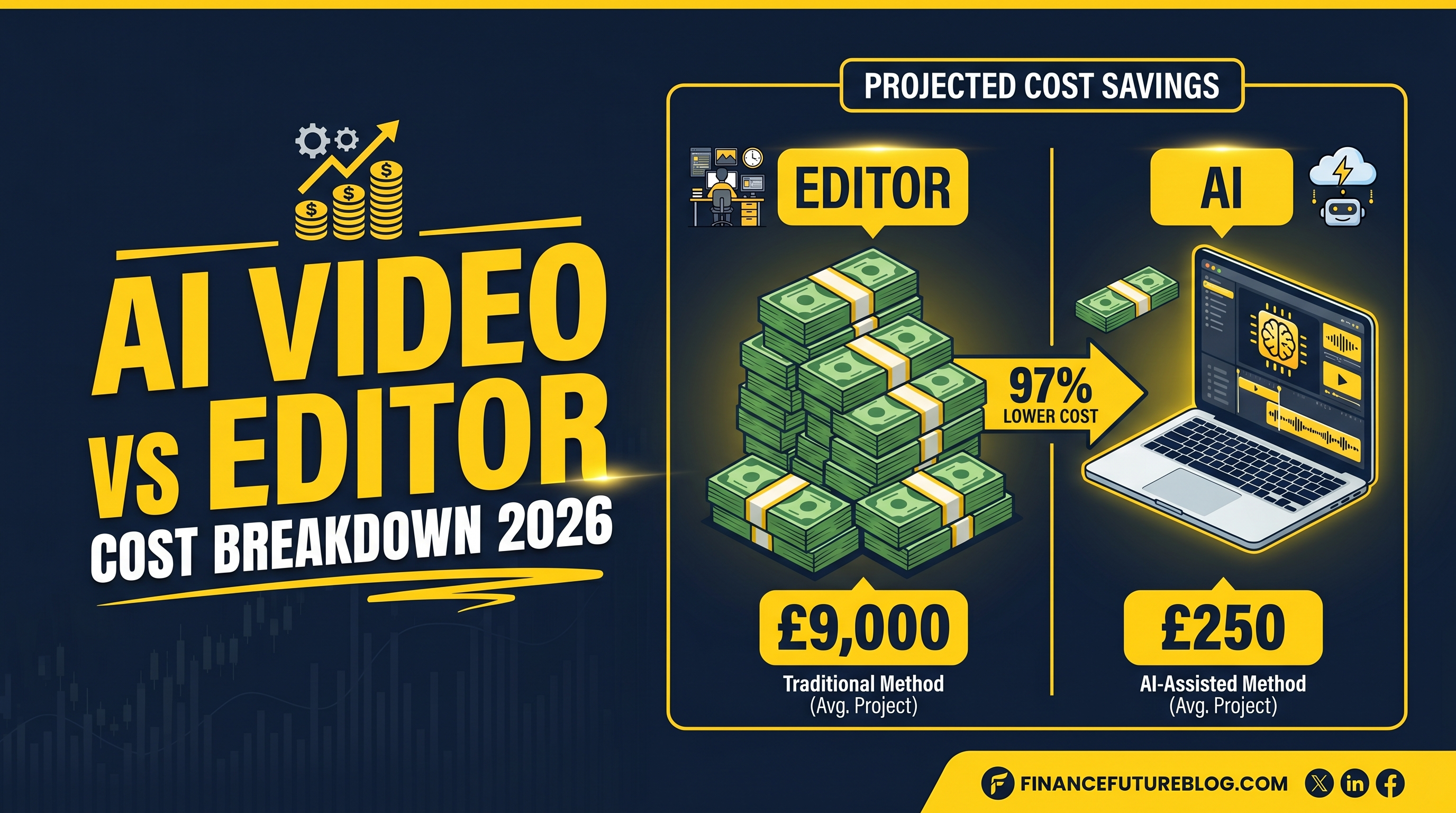
A 10-minute faceless YouTube video costs about $1,200 with a freelance editor on Upwork. The same video runs $30-45 through an AI generator. Same length, same format, finished in a fraction of the time.
That's not a cherry-picked example. It's the median, pulled from Upwork's own pricing data and the published rate cards of every major AI video tool I could find. The 30x gap holds up at 1 video per month. It gets wider at 10 per month. By 50 videos a month, the cost of editors hits five figures while AI barely cracks four.
This post breaks down the actual numbers. Not "AI is cheaper, trust us". Real per-minute math, real freelancer rates, real subscription costs, and the scenarios where each option still earns its keep. Because hiring an editor isn't dead. It's just no longer the default.
If you're still figuring out the format side of things, my faceless video generator guide covers tool selection, and the start-a-channel walkthrough handles the production workflow. This piece is about the money.
Here's what we'll cover: traditional editor pricing (with the hidden costs everyone forgets), AI generator pricing (with the subscription traps), break-even math at three volume scenarios, time-to-publish gaps, where quality actually differs in 2026, and a decision framework for picking between them, or running both.
Numbers below are verified against vendor pricing pages and freelance-platform data as of March-May 2026. Sources at the bottom.
What freelance video editors actually cost in 2026
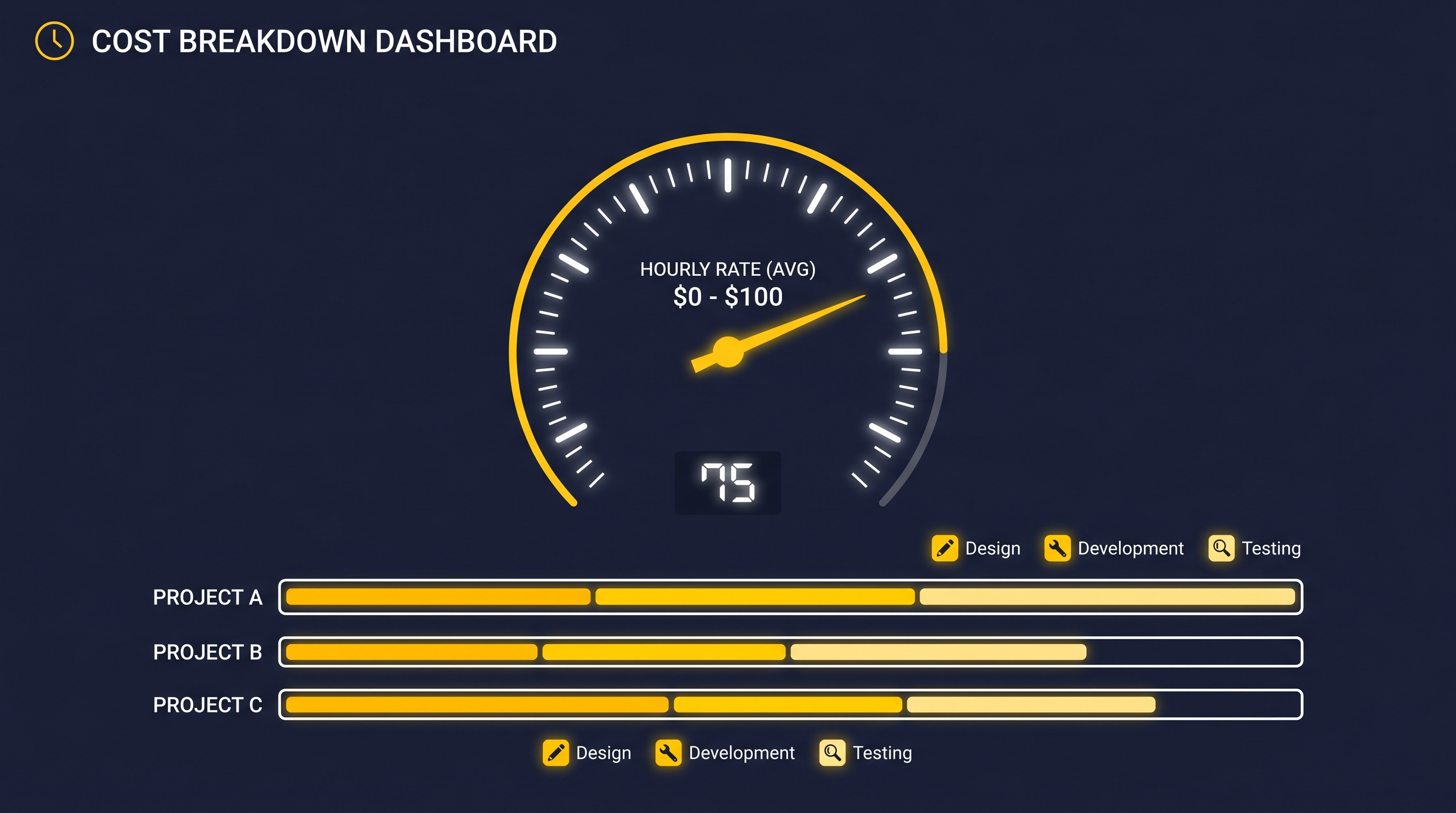
The clean answer: $35/hour median on Upwork, $65 average per Fiverr project, $500-2,000 typical for a finished 10-minute faceless video. The messy answer is what kills your budget.
Hourly rates by platform
Upwork publishes the most reliable data because they have to. Their video editor cost page shows hourly rates clustering between $10 and $60, with a median of $35. The $10-25 tier is mostly offshore editors (Philippines, India, Eastern Europe) who deliver competent work on simple cuts. The $35-75 tier is where most US and EU freelancers sit. Above $100/hour you're paying for specialists: motion graphics, color grading, or sound design.
Fiverr runs cheaper on paper. A Fiverr breakdown puts the average project at $65, but that "basic" tier usually means a single revision, a 5-minute cap, and stock-template work. Real faceless YouTube videos. 8-15 minutes with B-roll, transitions, captions, and music, almost always require the $150-400 mid tier.
Floowi's May 2026 talent report put the full freelance video editor range at $15-150+/hour. The top end isn't unusual for documentary-style faceless channels that need archival footage editing or complex animation.
Project-based pricing
Most YouTube creators pay flat fees, not hourly. Real numbers from active editor listings:
- Simple cuts only (no B-roll, no captions): $80-200 per 10-min video
- Standard faceless edit (B-roll, transitions, captions, music): $400-900
- Premium edit (custom graphics, color grading, sound design): $1,200-2,500
- Documentary-style (heavy B-roll, archival, complex pacing): $1,500-3,500
The hidden costs nobody puts on the invoice
Revisions are where budgets die. Most fixed-fee contracts include 1-2 rounds. Round three is a renegotiation. Round four is a new contract. I've seen $600 jobs balloon to $1,400 because the creator changed direction halfway through.
Then there's the communication tax. Editor questions over Slack, asset uploads to Frame.io, version-control on Google Drive: figure 2-4 hours of your time per video. At any decent hourly value for your own work, that's another $100-300 in opportunity cost.
And the slow turnaround. Fast editors quote 3 days. Most quote 5-7. Holidays, illness, or another client jumping the queue can push it to 10-14. We'll come back to this in the time section, but it's a real cost.
So when someone says "I paid $500 for my video," they often mean $500 to the editor. Plus revisions, plus their own hours, plus the ten days the video sat in the queue.
What AI video generators actually cost in 2026
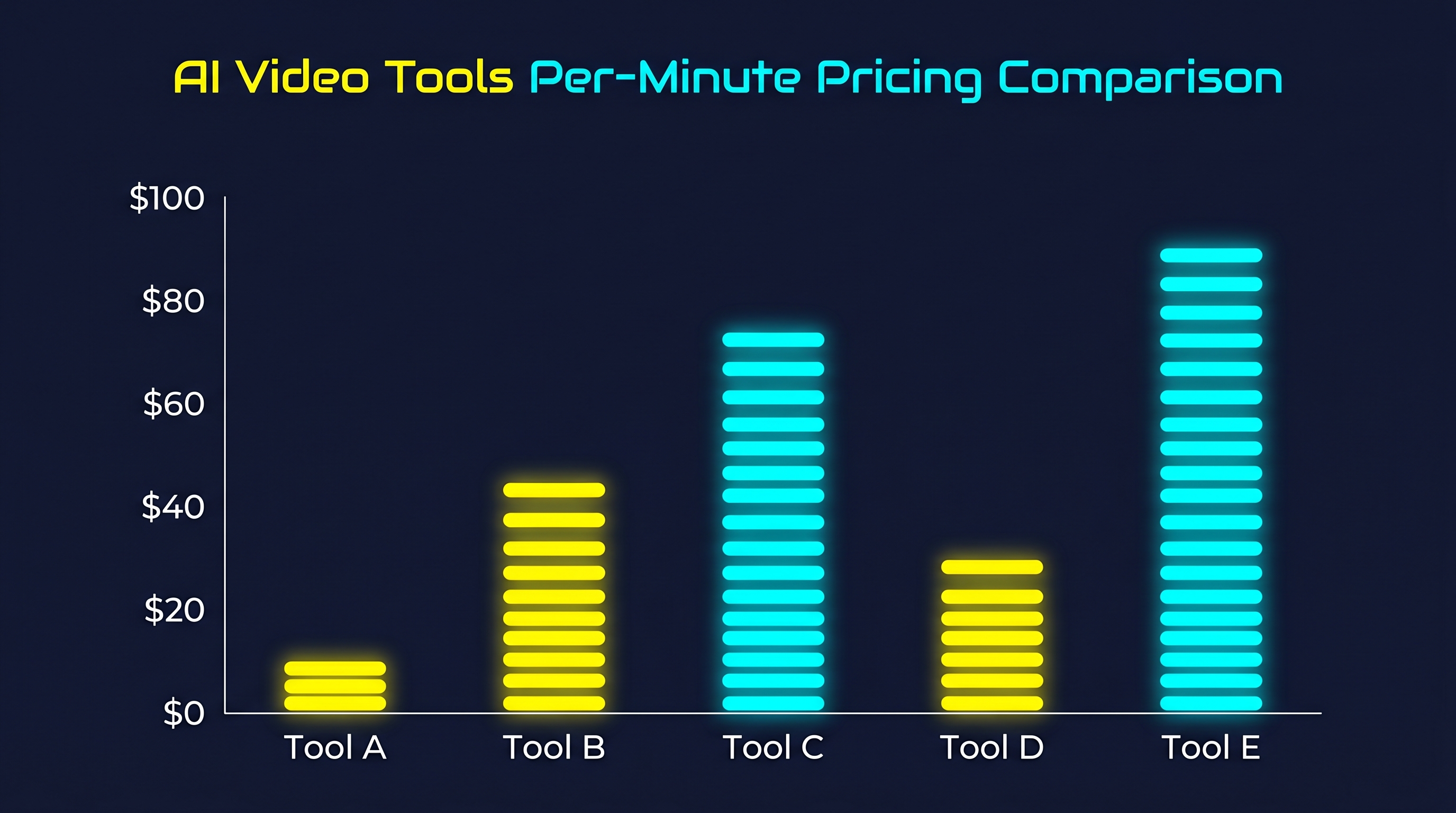
AI pricing is messier than editor pricing, because almost every tool runs a hybrid model: a monthly subscription that includes some output, then credits or overage fees on top. Comparing apples to apples requires converting everything to effective cost per minute of finished video.
Real numbers from vendor pricing pages, verified March-May 2026:
Per-minute pricing for popular tools
- WorkLess, Roughly $2.50-4.50 per finished minute depending on plan tier. A 10-minute faceless video runs $25-45 all-in (script, voiceover, B-roll, captions, render).
- VidRush: Subscription-based, ~$49-99/mo with output caps. Effective cost works out to $19-27 per 10-min video if you hit the cap each month.
- InVideo AI. $30-60/mo for unlimited generations on the AI plan. If you produce 20+ videos a month it drops to $0.40-1.50 per video effective. Below 5/mo it's worse value than pay-per-minute tools.
- Pictory, $29-99/mo, effective $1.50-3 per minute for short-form, more for long-form because of stricter length caps.
- Synthesia: Avatar-focused, $30-90/mo for limited minutes. Effective $3-5 per minute on lower tiers, cheaper at scale.
- Kling AI 3.0. Pay-as-you-go cinematic clips, roughly $0.07/second of generated video (Kling pricing data). Not a full pipeline tool, but useful as a B-roll engine.
The cheapest verified per-minute rate I could find was $3.60/min on ZSky AI (Soloa's March 2026 breakdown). The most expensive consumer-grade option pushed past $30/min for cinematic 1080p output with heavy generation requirements.
Why "effective cost" matters more than sticker price
A $99/month subscription sounds expensive until you produce 30 videos with it. Then it's $3.30/video. A $19/video pay-as-you-go tool sounds cheap until you realize you only made 4 videos that month and could have bought a subscription for the same money.
Two simple rules. Under 5 videos a month, pay-as-you-go beats subscriptions almost every time. Above 10 videos a month, subscriptions with unlimited generations win, if the quality holds at volume.
What's actually included
Unlike editor invoices, AI tool pricing usually includes the full pipeline: script generation, AI voiceover, stock B-roll licensing, music, captions, and final rendering. There's no "plus revisions" surprise, you re-generate scenes for free until you're happy, then export. The closest thing to a hidden cost is the time you spend prompting and editing the AI's output, which is real but typically 30-90 minutes per video, not 4 hours.
For deeper tool comparisons, the best AI faceless video generators breakdown walks through features and output quality for each major option.
Break-even math: three scenarios
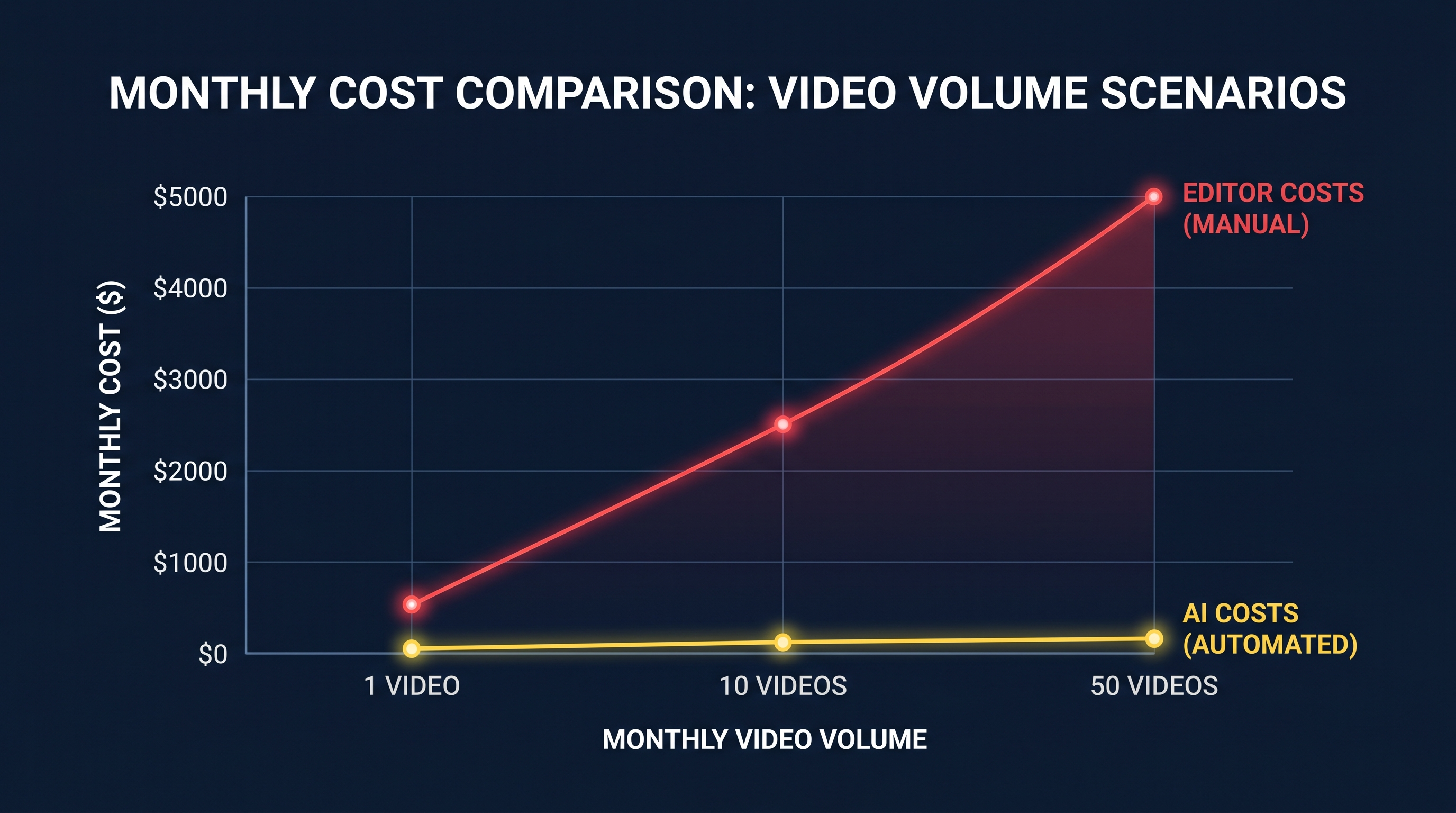
Let's run the numbers at three production volumes. I'll use mid-tier figures for both sides: $1,200 average for a quality 10-min faceless edit, $35 average for an AI-generated equivalent. Adjust up or down for your situation, but the ratio holds.
Scenario 1: Hobby creator — 1 video per month
Freelance editor route:
- 1 video × $1,200 = $1,200/month
- Plus 3-4 hours of your own coordination time
- Plus 5-7 day turnaround
AI generator route:
- WorkLess at ~$35/video, or pay-as-you-go pricing
- Or a $30-49/month subscription (you'll use 20% of capacity)
- Effective: $30-49/month
- 1-2 hour generation time
Verdict: AI is roughly 25-40x cheaper. The only reason to hire an editor at this volume is if the single video matters enormously. A sponsor deliverable, a launch video, hero content you're putting paid traffic behind.
Scenario 2: Serious creator — 10 videos per month
Freelance editor route:
- 10 × $1,200 = $12,000/month at mid-tier rates
- Or $8,000 if you use $800/video editors
- Or $15,000+ if you use premium editors
- Coordination time: 30-40 hours/month (a part-time job)
- Need to manage 2-3 editors to hit the volume
AI generator route:
- $49-99/month subscription with unlimited output
- Or ~$350/month at $35/video pay-as-you-go
- Effective: $50-400/month
- Roughly 15-30 hours of your time (prompting, review, minor editing)
Verdict: AI is 20-30x cheaper, plus you don't need to coordinate freelancers. This is the volume where AI stops being a choice and becomes mandatory math.
Scenario 3: Channel operator — 50 videos per month
Freelance editor route:
- 50 × $1,200 = $60,000/month
- Realistically need 5-8 editors on retainer
- Plus a part-time producer to manage the pipeline
- Total monthly cost easily clears $75,000
AI generator route:
- $99-299/month team plan with stacked subscriptions
- Or roughly $1,750/month at $35/video pay-as-you-go
- Effective: $300-2,250/month
- One person can run the operation
Verdict: AI is 30-60x cheaper. At this volume, the editor route is basically a video agency. The AI route is a side desk.
The honest break-even point
There isn't one. AI wins on cost at every volume from 1 to 1,000 videos a month. The break-even question only matters when you flip it: at what point does it make sense to add an editor on top of AI? Usually around the point where one specific video, a sponsor read, a milestone upload, a flagship piece: earns more than the editor's invoice on its own. We'll cover that in the "when to use which" section.
Time comparison: the cost nobody puts on the invoice
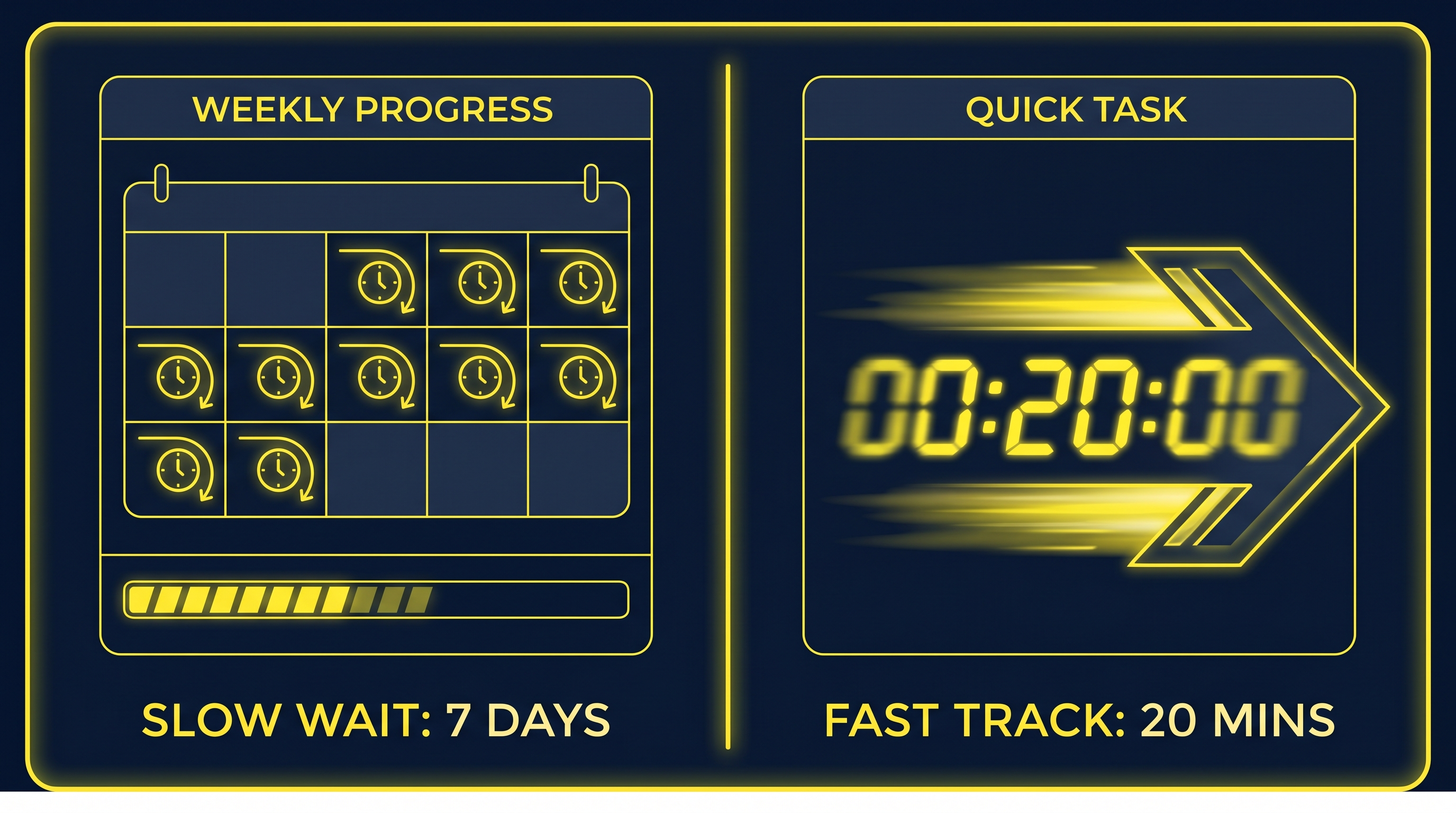
Money is the obvious gap. Time is the bigger one.
Freelance editor turnaround
Best case: 3 days from script handoff to first cut. Typical: 5-7 days. Worst case I've personally tracked: 17 days, because the editor went on holiday and didn't say.
That's just the first cut. Add 2-3 days for each revision round, and a "fast" project still lands at the 10-day mark. A project with two rounds of feedback often spans two weeks. Three rounds and you're at three weeks.
Rush jobs exist. Most editors will quote 50-100% premium for 48-hour turnaround. Even then, you're paying $1,800-2,400 for a video that AI would produce in 90 minutes for $35.
AI generation turnaround
End-to-end timing for a 10-min faceless video on a typical AI tool:
- Script generation: 2-5 minutes
- Voiceover synthesis: 3-8 minutes
- B-roll + caption assembly: 10-20 minutes
- Review and tweak: 30-60 minutes
- Final render: 5-15 minutes
Total: 50 minutes to 2 hours, most of which is your review time, not waiting on the system.
What this means for upload schedules
A daily upload schedule with freelance editors requires running 7+ projects in parallel, with 7 editors at varying turnaround stages. The coordination overhead alone is a full-time role.
A daily upload schedule with AI is just doing the work each morning. No project management, no Slack threads, no Frame.io comments, no version-control headaches.
The testing speed advantage
This is where the time gap actually changes business outcomes. Say you want to test 5 video concepts to see which one hooks an audience.
With editors: 5 videos × $1,200 = $6,000, ready in 2-3 weeks if you push hard. By the time the data comes back, your competitors have already iterated twice.
With AI: 5 videos × $35 = $175, ready by tomorrow morning. You see results within a week, kill the duds, double down on what works, and ship 5 more variants for another $175.
I've watched creators burn three months and $10,000 on editor-produced "tests" that AI-using competitors ran in a single weekend. The money matters, but the iteration speed matters more.
Quality: where the gap has actually closed (and where it hasn't)
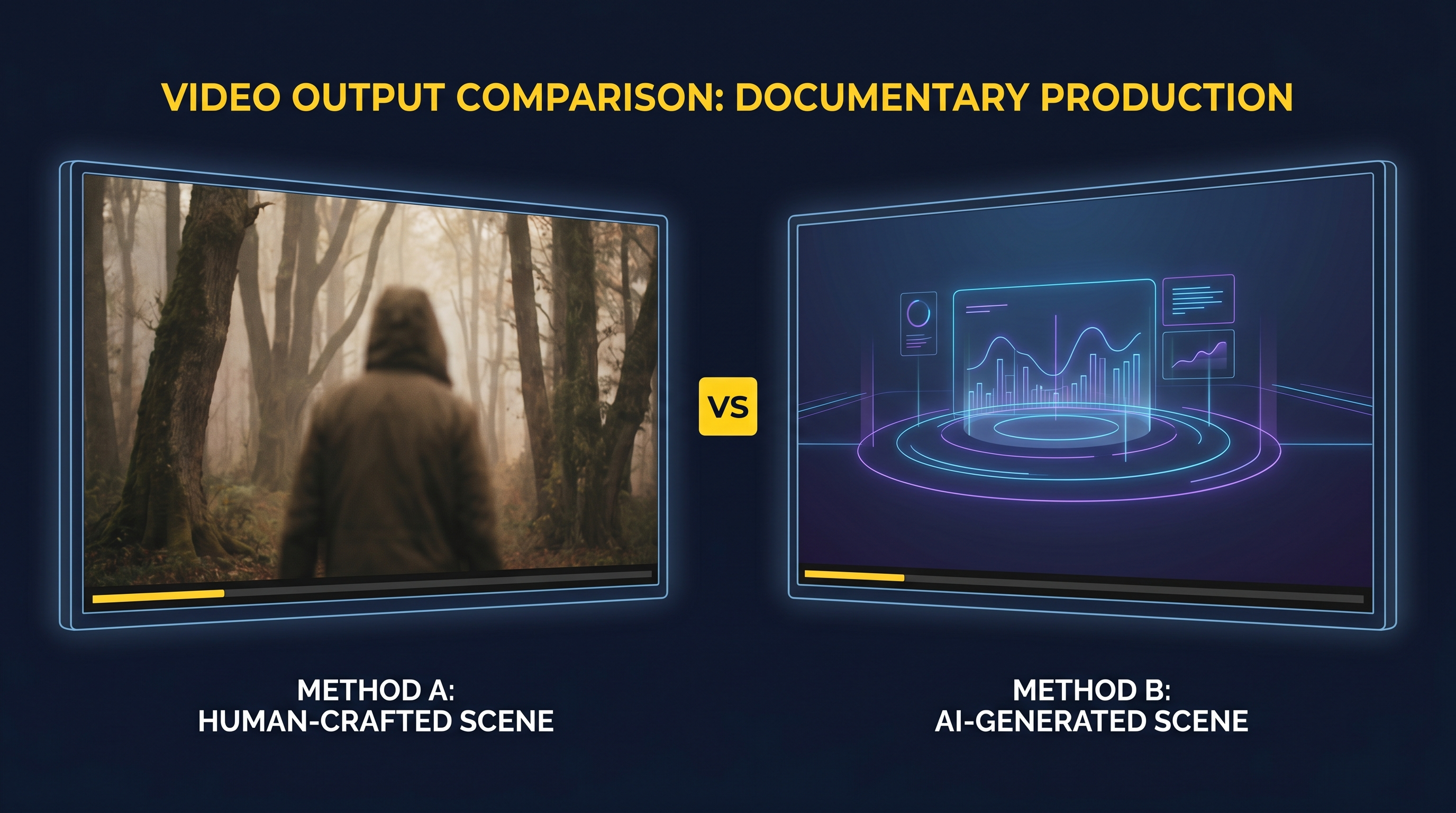
In 2024 this section was easy: editors won on quality, AI won on cost. In 2026 the picture is more interesting.
Where AI caught up
For faceless YouTube content. Documentary-style narration over B-roll, listicles, explainers, top-10s, finance breakdowns, AI output is now genuinely good. Not "good for AI." Just good. 1080p output is standard, pacing is solid, transitions are clean, captions are accurate, voiceovers are convincing enough that the average viewer doesn't notice or care.
You can verify this yourself in 60 seconds: search any high-RPM niche on YouTube (history, finance, true crime, science) and you'll find channels with 100K-1M+ subscribers using AI for most or all of their production. The audience has voted with their watch time.
Where editors still win
Quality gaps remain in specific places:
- Custom motion graphics. A skilled motion designer can build brand-specific animated lower-thirds, intros, and overlays that no AI tool produces. If your channel's visual identity is the differentiator, this matters.
- Complex visual effects. Compositing, rotoscoping, advanced color grading, sound design for cinematic productions: these are still editor territory and will be for a while.
- Face-to-camera content. AI tools work on faceless formats. Talking-head content with multi-cam edits, jump cuts to graphics, and tight pacing built around the host still benefits from a human editor.
- Brand-specific style. If you have a deliberate visual signature. Color palette, transition library, custom typography animations, communicating that to AI is harder than communicating it to an editor who can study reference videos.
Where AI quietly wins on quality
Consistency is the underrated win. A freelance editor produces 4-5 videos that match your style, then has a bad week and ships one that doesn't. AI delivers identical pacing, identical caption styling, and identical voice tone across 50 videos and 5,000. For a brand built on predictable viewer experience, that consistency is its own form of quality.
Iteration is the other one. Re-generating a scene with different B-roll takes 90 seconds. Asking a freelance editor to swap B-roll in three places takes a day and an awkward conversation about whether it counts as a revision.
The hybrid approach most channels are running
The actual winning move at scale isn't AI or editor. It's both. Run AI for daily uploads, library content, and tests. Hire an editor for the 1-2 hero pieces per month: flagship videos, sponsor reads, milestone uploads. Where polish drives more revenue than the editor costs. We'll cover this split in the next section.
When to use which (decision framework)
Cost and quality data isn't useful without a decision. Here's the framework I'd use.
Use AI when:
- You're producing 5+ videos a week. At that volume, editor cost and coordination overhead become unmanageable. AI is mandatory math.
- Your format is consistent. Faceless documentaries, listicles, finance explainers, history breakdowns, true crime narration, anything with a repeatable structure where the value is in research and pacing, not visual originality.
- You're testing. New niches, new hooks, new thumbnail-title combinations. The cost of being wrong needs to stay under $50, not $1,500.
- Speed matters. News-adjacent content, trend-chasing, reactive videos that need to ship in 24 hours.
- Budget is real. Under $500/month for production puts editors out of reach almost entirely. AI works on this budget at 10+ videos/month.
- You don't have a brand-specific visual style yet. Most new channels don't, and pretending you do before you have an audience is a way to spend money on polish nobody cares about.
Use a human editor when:
- It's hero content. Flagship videos for your channel, sponsor deliverables you're billing $5K+ for, anything where polish converts into revenue larger than the editor invoice.
- You need custom animation or motion graphics. Branded intros, complex lower-thirds, custom transitions. AI tools don't produce this, and a skilled motion designer absolutely does.
- You're doing face-to-camera content. Talking-head edits with multiple cameras, jump cuts, B-roll insertion timed to dialogue: this is editor territory.
- Brand visual identity is the differentiator. If your channel's look is what sets it apart, an editor who can study and reproduce that style is worth the cost.
- You have time. Two-week turnaround is fine when you're publishing monthly long-form pieces. Bad when you're trying to ship daily.
- Budget is $5K+/month for production. At that level you can run a small editor team and treat each video as a deliberate production.
The hybrid budget that works for most growing channels
For a serious channel doing 12-20 videos a month, here's a realistic split. AI handles 90% of output at $50-300/month for the daily library content. One editor takes on 1-2 hero pieces at $1,000-2,500/month. Total monthly production cost lands at $1,200-2,800 for output that would cost $14,000-24,000 with editors alone.
This is what most of the "AI-powered" YouTube operations I've watched up close actually run. The hero pieces drive sponsor revenue and brand perception. The AI library content drives view count, watch hours, and ad revenue. Neither side carries the full load.
FAQ
Is AI video quality good enough for YouTube monetization in 2026?
Yes, with a caveat. The July 2025 YouTube inauthentic content policy update tightened rules around "mass-produced and repetitive" content, but it didn't ban AI. Channels using AI for narration, B-roll, and editing are still being approved for monetization as long as the content provides genuine value. Research, commentary, original perspective. Pure auto-pilot AI slop with no human input is what gets demonetized. AI-assisted production with human curation is fine.
Can monetized channels use AI video tools without losing their AdSense status?
Existing monetized channels are not penalized for switching to AI-assisted production. Many already have. The risk is in the content, not the tool, if you're producing valuable, watchable videos with AI assistance, the algorithm and review teams don't care. If you're spinning up 100 zero-effort channels with identical AI output, you'll have problems. That's true with or without AI.
Will AI replace freelance video editors?
For commodity faceless YouTube editing, mostly yes: it already has. The Upwork median rate for video editors has dropped slightly year-over-year for the first time, which tracks with demand shifting. For brand-specific work, motion graphics, multi-cam productions, and complex post. No, those editors are busier than ever, often charging more.
How much does WorkLess cost per video versus competitors?
WorkLess sits in the $2.50-4.50 per finished minute range, so a 10-minute faceless video runs $25-45. That's on the cheaper end of the full-pipeline tools. Cheaper than VidRush at pay-as-you-go pricing, comparable to InVideo if you produce 15+ videos/month, and significantly cheaper than Synthesia for non-avatar work.
What's the catch with AI video generators?
The honest catch: AI tools handle 80-90% of the work well, but the last 10-20%, the "make this feel right" polish, still requires you. Plan on 30-90 minutes per video of human review, prompt refinement, and minor manual tweaks. If you think you can press a button and ship a winner with zero involvement, you'll be disappointed. If you treat AI as a junior editor who handles the grunt work while you direct, it's transformative.
Bottom line
The cost question has a clear answer in 2026: AI generators are 20-60x cheaper than freelance editors at every production volume, with faster turnaround and comparable quality for faceless YouTube formats.
The interesting question isn't cost anymore. It's strategy. Use AI as the production engine for the 90% of content that doesn't need human polish. Use editors selectively for the 10% that does. Hero pieces, sponsor work, anything where polish converts to dollars exceeding their invoice.
If you're starting out, start with AI. The cost-per-test is low enough that you can iterate your way to a working format without going broke. Once you have a channel earning real money and a clear visual identity worth protecting, add an editor for flagship content.
If you want to see the AI side of this in practice, WorkLess has a free tier that lets you produce 2-3 videos before deciding anything. The point of this post wasn't to sell you that, it was to give you the numbers honestly enough that you can decide for yourself.
Sources
- Upwork — Video Editor Hourly Rates (median $35/hour, range $10-60)
- Fiverr — Cost to Hire a Video Editor ($65 average)
- Floowi Talent — Video Editor Rates 2026 ($15-150+/hour range)
- Soloa — AI Video Generation Cost Per Second 2026 ($3.60-30/minute)
- FluxNote — AI Video Generation Pricing Guide 2026
- Magic Hour — AI Video Generator Pricing 2026
- Percify — Cheapest AI Video Generators 2026